MRK SUPPORT
How can we help?
Guidance for your system, your software, and the work that keeps moving.
Choose a product
Start with the MRK product or platform you need help with.
Get started
Set up a new MRK system
Make the first day easy: connect, update, and arrange your workspace with intent.
Keep your system current
Find the right next step for firmware, drivers, operating-system updates, and routine care.
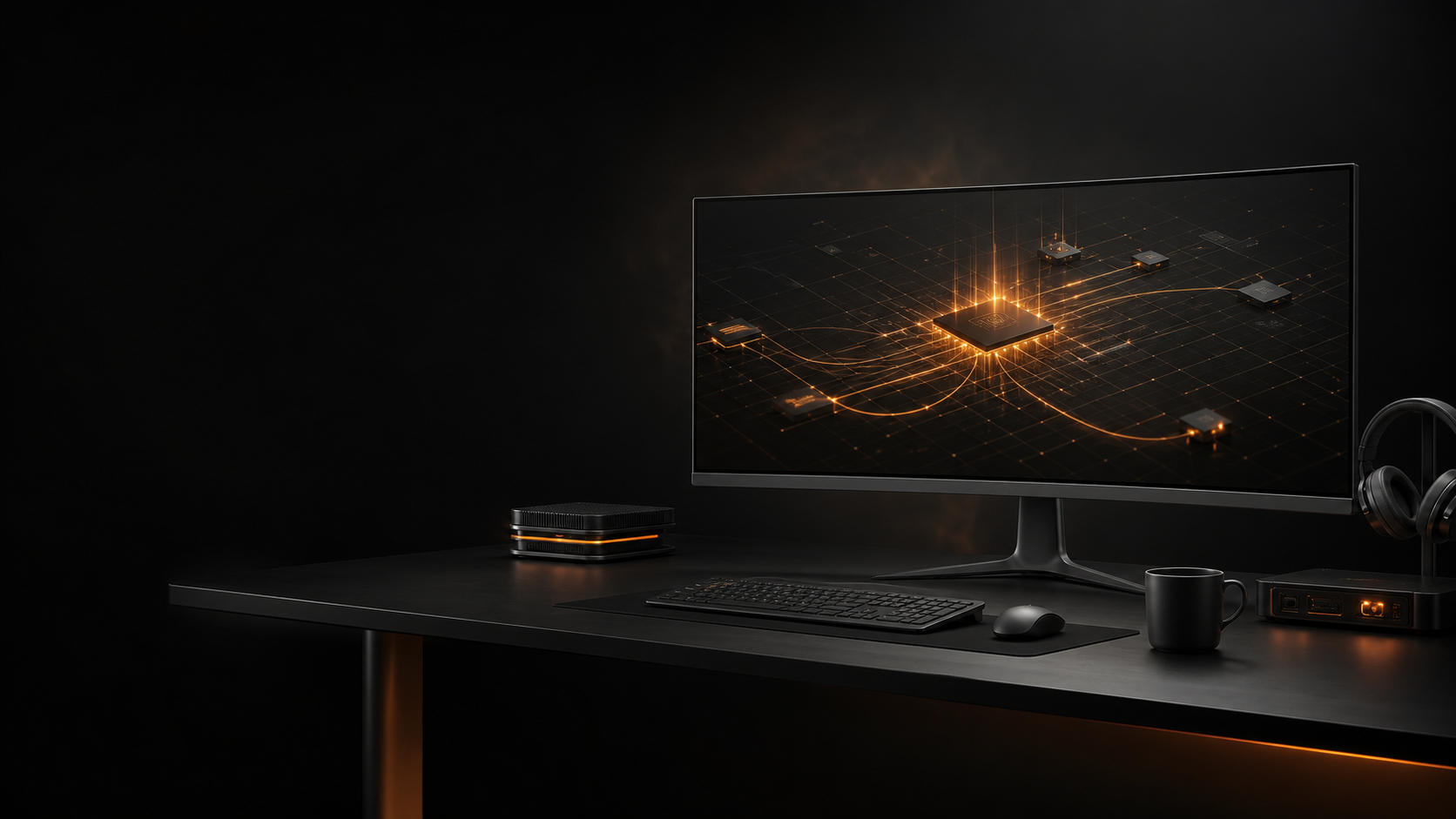
Plan your workspace
Get practical help with displays, docks, accessories, and a workspace that fits the work.
MRK CARE
Support that stays with the system.
From a first configuration through the next upgrade, MRK is here to help you make confident technical decisions.
Service, repair, and support
Something isn’t working?
Tell us what you are seeing, what changed, and which MRK product you use. We’ll help identify the best next step.
Supporting a business?
MRK can help teams plan systems, standardize workspaces, and keep their technology aligned with the work ahead.
Frequently asked questions
How do I get help with my MRK system?
Send a note to MRK Support with your system model, a short description of the issue, and any details that will help us understand your setup.
Can MRK help with Windows or Ubuntu?
Yes. Start with the platform page that matches your workflow, then contact MRK for more specific guidance.
Can you help me choose a display or accessory?
Absolutely. Tell us how you work and what you already use, and we’ll help shape the right workspace.
Where can I learn about MRK OS?
MRK OS is planned to debut in Summer 2027. Visit the MRK OS page to follow its direction and future updates.